
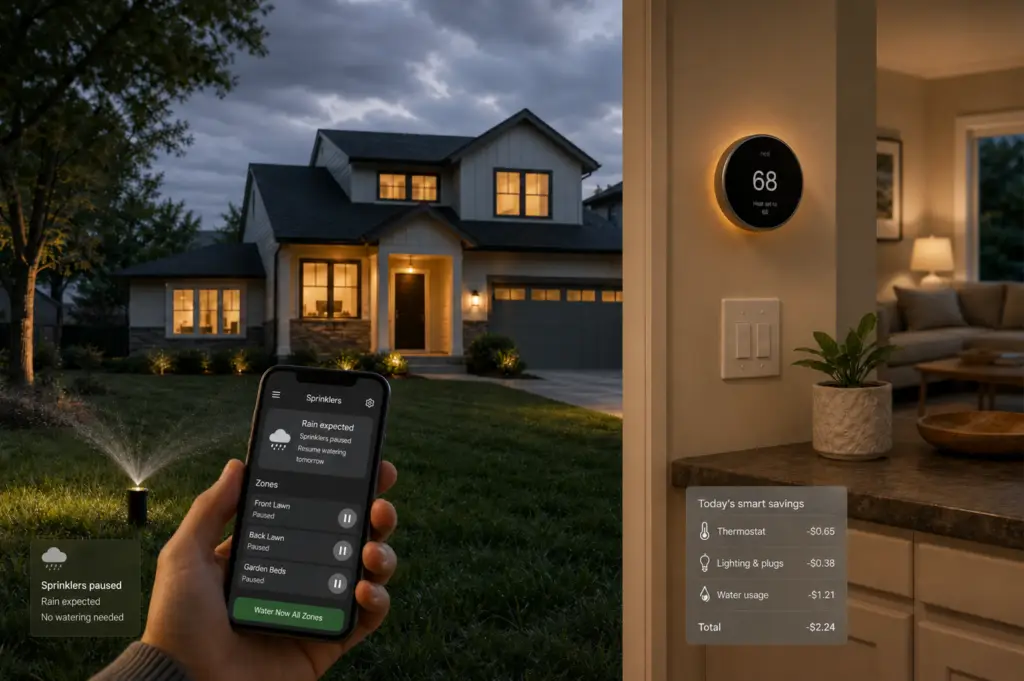
Smart home gadgets have a way of making perfectly normal homeowners feel suddenly behind.
One minute, you’re just trying to replace a thermostat. The next, you’re wondering whether your house should be learning your schedule, monitoring your pipes, watering the lawn by weather report, and texting you when the basement gets damp.
Helpful? Sometimes.
Overkill? Also sometimes.
The truth is, a smart home upgrade doesn’t need to be flashy to be worth it. The best ones either lower a bill, prevent expensive damage, or make your home easier to manage when life gets busy. That’s the real test. Not whether it connects to Wi-Fi. Not whether it has a sleek app. Not whether your neighbor swears by it.
Here’s how to tell which smart home upgrades can actually save you money — and which ones can probably wait.
The AHA Test: Save, Prevent, or Simplify
Before you buy any smart home device, ask three plain-English questions:
Will it save money every month?
Think smart thermostats, lighting controls, irrigation controllers, and smart plugs.
Will it prevent a costly problem?
Think leak detectors, automatic water shutoff systems, freeze alerts, and sensors near major appliances.
Will it simplify something you already forget?
Think lights left on, sprinklers running in the rain, or the thermostat blasting away while nobody’s home.
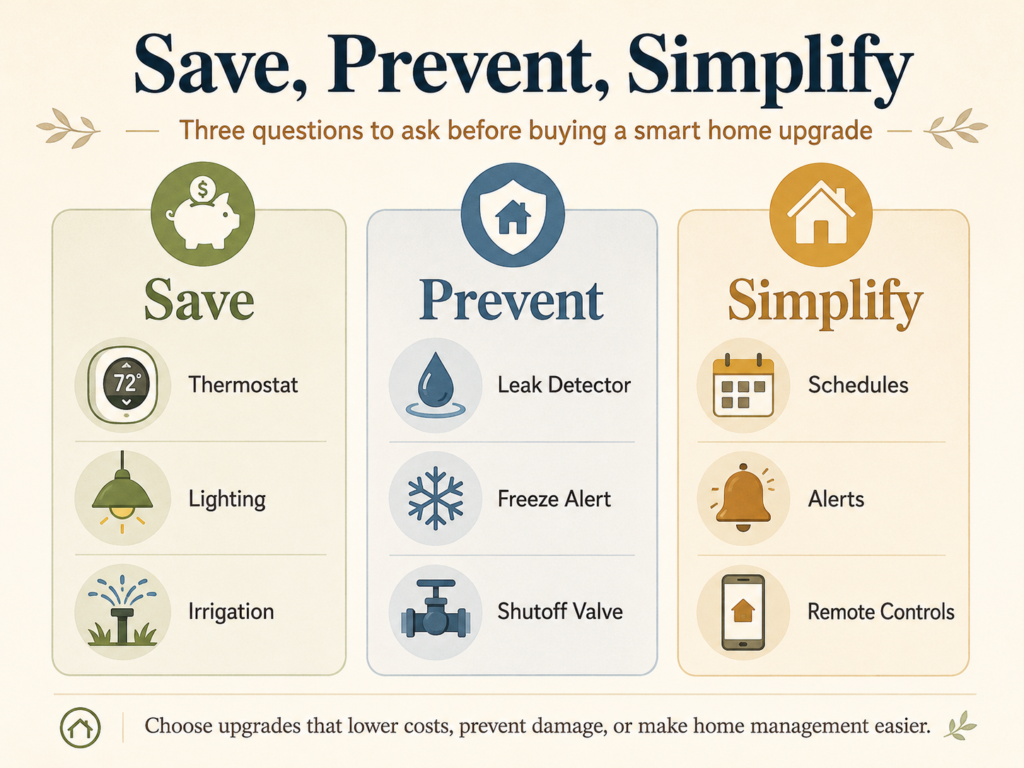
If a device doesn’t do at least one of those things, it may still be nice. But it probably belongs in the “maybe later” pile.
That’s the homeowner-first filter: practical, not flashy. Helpful, not hype.
Smart Thermostats: Usually the Best First Upgrade
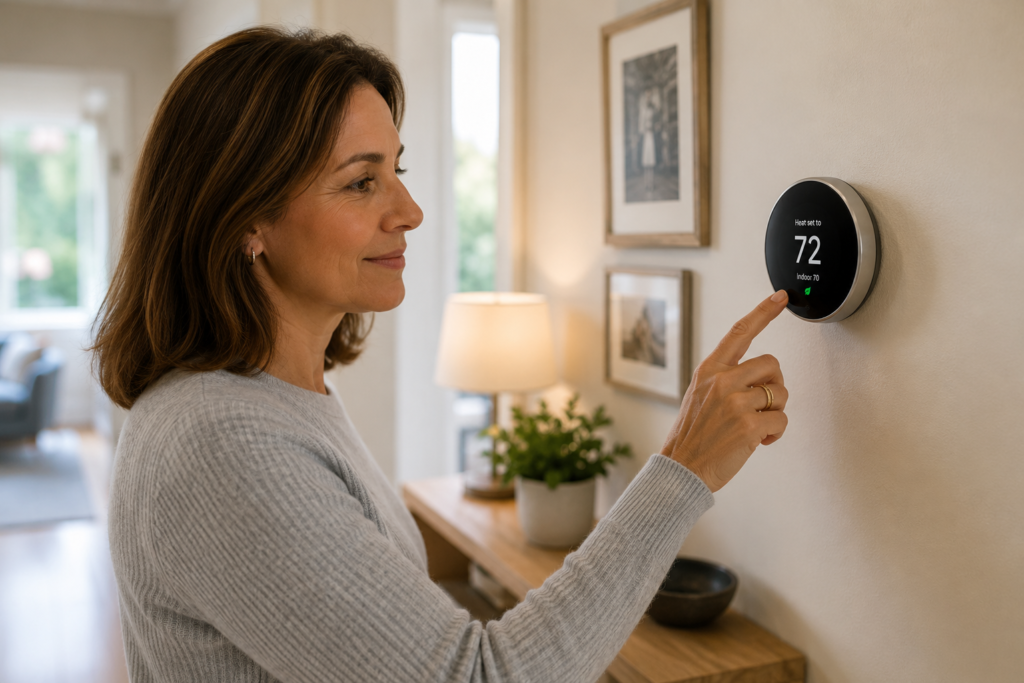
For many homeowners, a smart thermostat is the easiest smart home upgrade to justify.
Heating and cooling are major household expenses, and small changes in temperature settings can make a real difference over time. ENERGY STAR says certified smart thermostats save about 8% on heating and cooling bills, or roughly $50 per year on average. Savings vary depending on your climate, comfort preferences, occupancy, and heating and cooling equipment. (ENERGY STAR)
That last part matters. A smart thermostat doesn’t save money because it looks modern on the wall. It saves money when it reduces unnecessary system runtime.
If your air conditioning runs all afternoon while the house is empty, or your heat stays high overnight because nobody remembers to adjust it, automation can help. The device quietly does the boring thing you meant to do anyway.
The U.S. Department of Energy says you can save as much as 10% per year on heating and cooling by turning your thermostat back 7° to 10°F for eight hours a day from its normal setting. (The Department of Energy’s Energy)
That’s really the point. The app isn’t the savings. The habit is.
Pro Tip: Before you buy a smart thermostat, check your utility company’s rebate page. Some utilities offer rebates or discounted devices, and that can change the payoff math quickly.
Smart Leak Detectors: Small Device, Big Avoided Cost
Lowering a monthly bill is one kind of savings. Avoiding a giant repair bill is another.
That’s where smart leak detectors come in.
Water damage rarely announces itself politely. It’s usually a warped floorboard, a mystery stain under the sink, or that awful squish under your sock in the laundry room. A simple leak sensor can alert you when water shows up where it shouldn’t.
Good places to put leak detectors include:
- Near the water heater
- Under sinks
- Behind or beside the washing machine
- Near the dishwasher
- In the basement
- Near a sump pump
- In a vacation home or second home
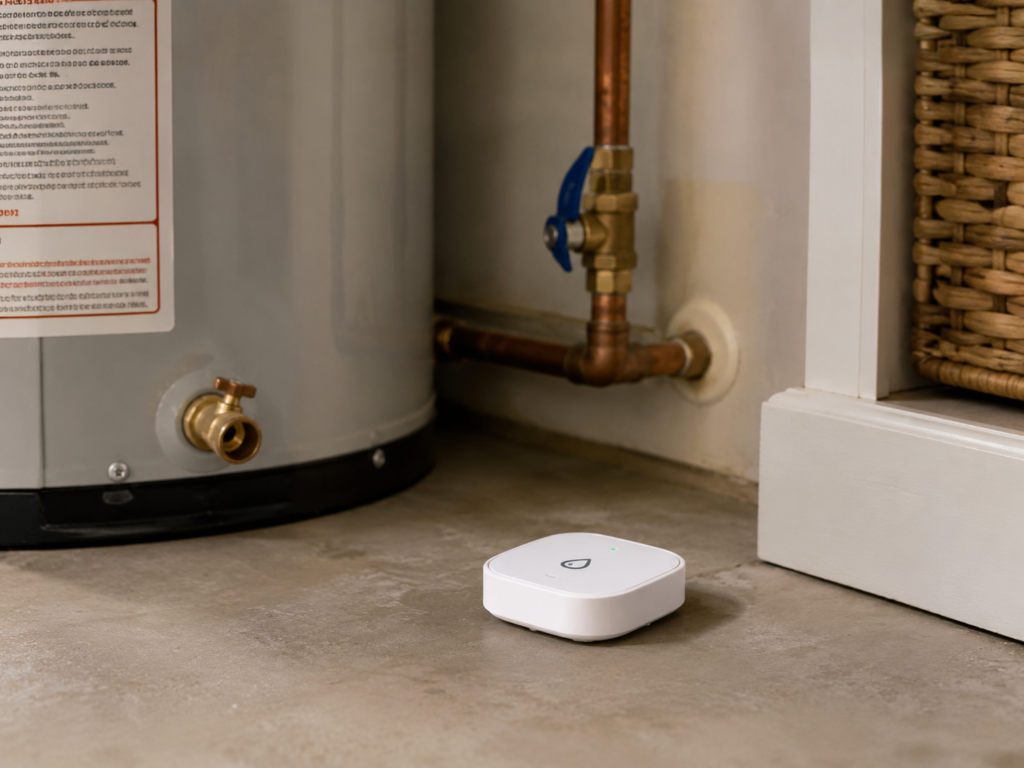
Basic leak sensors send an alert to your phone. More advanced systems can monitor whole-home water flow and may shut off the water automatically if they detect a major leak.
That second type costs more and may require professional installation, but for frequent travelers, snowbirds, landlords, or homeowners with finished basements, it can be worth considering.
Think of leak detectors like smoke alarms for your plumbing. You hope they never “pay off.” But if one catches a leak early, you’ll be very glad it was there.
Watch Out: A sensor only helps if someone can act on the alert. If you travel often or have limited access to the home, look into whether an automatic shutoff system makes more sense than a basic alarm.
Smart Irrigation Controllers: Great for Some Yards, Unnecessary for Others
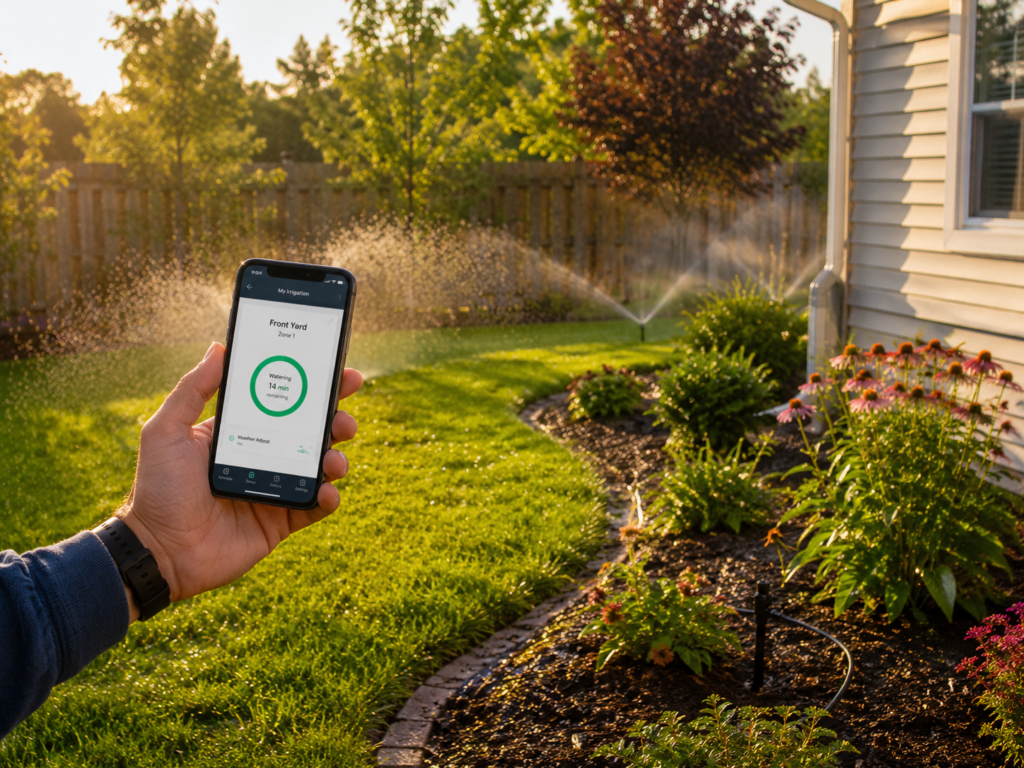
Water can cost you inside the house. In some homes, it quietly drains the budget outside too.
If you’ve ever watched your sprinklers run during a rainstorm, you already understand the case for smart irrigation.
A smart irrigation controller adjusts watering based on weather, soil, plant needs, or seasonal conditions. Instead of watering every Tuesday at 6 a.m. no matter what, it can reduce or skip watering when your lawn doesn’t need it.
EPA WaterSense says replacing a standard clock-based irrigation controller with a WaterSense-labeled weather-based controller can save an average home nearly 7,600 gallons of water annually. (EPA)
This upgrade makes the most sense if you have:
- An automatic sprinkler system
- High outdoor water bills
- A large lawn or landscaped yard
- Water restrictions in your area
- A dry or drought-prone climate
- A habit of “set it and forget it” watering
But if you have a small yard, use a hose occasionally, or live somewhere with plenty of rainfall and low water costs, this may not be your first smart-home priority.
The best smart upgrade is the one that fits your actual house. Not the house in the ad.
Smart Lighting: Best When Paired With LEDs
Smart lighting can save money, but let’s be clear about where the real savings usually come from.
It’s the LED bulb.
The U.S. Department of Energy says residential LEDs, especially ENERGY STAR-rated products, use at least 75% less energy and last up to 25 times longer than incandescent lighting. (The Department of Energy’s Energy)
Smart lighting adds another layer. It can help you control when lights are on, set schedules, use motion sensors, and avoid leaving lights burning all day in empty rooms.
This can be useful for:
- Porch lights
- Garage lights
- Closets
- Kids’ rooms
- Vacation lighting
- Outdoor security lighting
- Basement or utility areas
Still, don’t expect smart bulbs alone to transform your electric bill if you already use LEDs and turn lights off reliably. In that case, the value is more convenience than major savings.
And that’s okay. Convenience has value. Just don’t confuse it with a big financial return.
Smart Plugs and Power Strips: Good for Sneaky Energy Waste
This is the “death by a thousand tiny charges” category.
Not dramatic. Not glamorous. But sometimes useful.
Some electronics keep drawing power even when they look off. Smart plugs and smart power strips can help by cutting power to devices that don’t need to stay on all day. The Department of Energy notes that smart power strips can cut power and save energy because they can detect when a device is in standby mode. (The Department of Energy’s Energy)
They can be especially helpful for:
- Entertainment centers
- Gaming systems
- Home office setups
- Chargers
- Printers
- Holiday lights
- Window air conditioners or fans
Just keep expectations realistic. Smart plugs are more like turning off a dripping faucet than replacing a leaky roof. Useful, yes. Usually your biggest savings opportunity? Probably not.
Home Energy Monitors: Helpful Only If You’ll Use the Data
A home energy monitor is like a fitness tracker for your house.
It can show you where energy is going, when usage spikes, and whether something seems off. That can be helpful if you’re the kind of person who likes data and will actually act on it.
But the monitor itself doesn’t save money. You do.
If the data helps you discover that an old freezer is working too hard, your heating and cooling system is running constantly, or your home office equipment is drawing power all night, great. If the app becomes one more dashboard you ignore, the savings may never show up.
This is a good upgrade for curious, hands-on homeowners. It’s less useful if you already know you won’t check it after the first week.
No shame there. Most of us have downloaded at least one app with big “new habit” energy and then quietly abandoned it by Thursday.
Smart Upgrades You Can Probably Skip — At Least for Now
Not every smart device earns its keep.
Be cautious with:
Smart appliances bought mainly for app features.
If your refrigerator works, replacing it just to get a screen on the door probably won’t save enough to justify the cost.
Devices with monthly fees.
A $6, $10, or $15 monthly subscription can quietly erase the savings from a small energy-saving device.
Whole-home smart systems without a clear problem to solve.
Convenience is fine. But don’t confuse convenience with savings.
Security cameras marketed as money savers.
They may be useful for safety or peace of mind, but unless your insurer offers a discount or they solve a real concern, they’re not automatically a financial upgrade.
Smart versions of things you don’t need to replace yet.
Replacing a working appliance early usually isn’t “saving money,” even if the new one has better controls.
This is where homeowners can get tripped up. A device can be impressive and still not be a smart financial move.
How to Choose Your First Smart Home Upgrade
Start with the problem, not the gadget.
If your heating and cooling bills are high, look first at thermostat settings, heating and cooling maintenance, air sealing, insulation, and possibly a smart thermostat. AHA’s energy guidance should always keep the whole home in mind, because comfort and efficiency usually work together, not as separate projects. The Department of Energy’s Energy Saver guide also recommends starting with a home energy audit or assessment to understand how your home uses energy before making bigger improvements.
If you’re worried about water damage, start with leak sensors near the most likely trouble spots.
If your water bill jumps every summer, look at your irrigation schedule before buying anything — then consider a smart controller if you have an automatic sprinkler system.
If your home office, gaming setup, or entertainment center is always plugged in, smart strips may help.
And before you buy, ask yourself a few practical questions:
- Is there a rebate?
- Is there a subscription fee?
- Will it still work if the Wi-Fi goes out?
- Can I install it myself?
- Will I actually use the app?
- Does it lower a bill, prevent damage, or simplify something I already forget?
That last question is the big one.
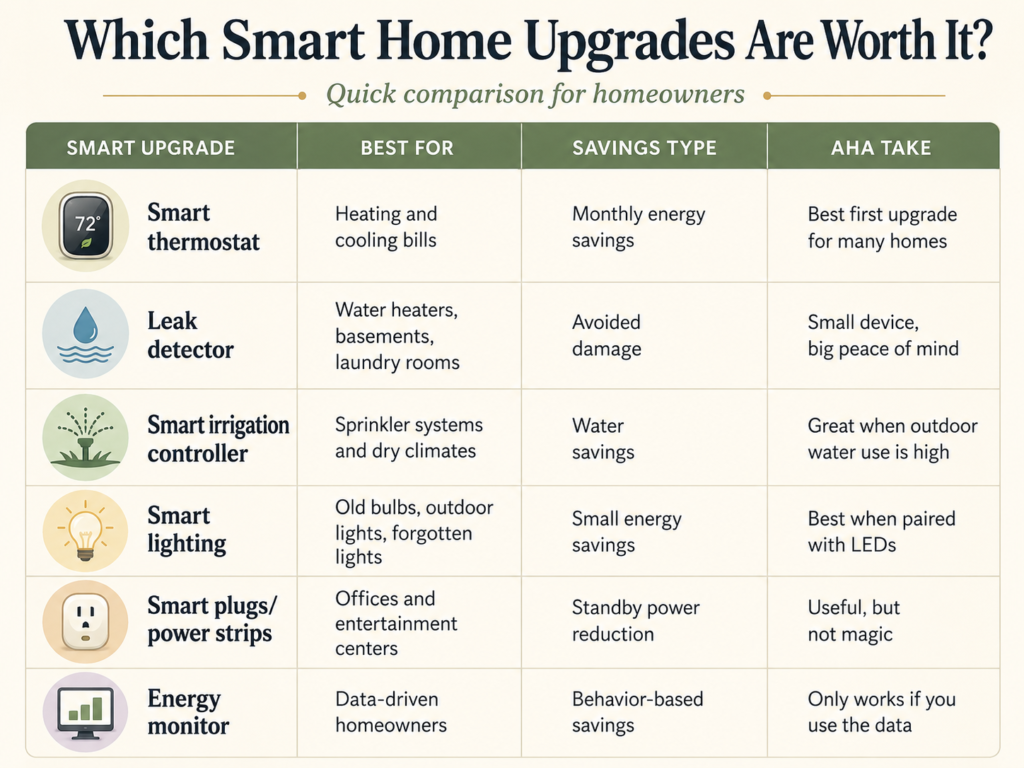
Quick Comparison: Which Smart Home Upgrades Are Worth It?
The Smartest Home Is the One That Costs Less to Run
You don’t need a house full of gadgets to be a smart homeowner.
Start with one real issue: a high energy bill, a damp basement, a sprinkler system that runs too often, or lights that never seem to turn off. Then choose the upgrade that solves that problem simply.
The smartest device is rarely the flashiest one. It’s the one that quietly helps your home waste less, avoid damage, or give you a heads-up before a small problem becomes an expensive mess.
Before you buy, check your utility company, state energy office, or local water provider for rebates. A little homework upfront can turn a “maybe” upgrade into one that pays off much faster.