
Most homeowners don’t think about their property records. Not because they’re careless — because life is full, and “check county land records” doesn’t exactly land on the Saturday morning to-do list.
Then you hear a story about deed fraud. Or you get a strange mailer about “home title protection.” Or someone mentions liens at a neighborhood gathering and suddenly your brain goes: wait… would I even know if something was filed against my house?
That’s where property record alerts can help. In many places, your county, city, or local registry lets you sign up for a free notification when certain documents are recorded under your name or tied to your property. These alerts don’t prevent fraud. They’re not a lock on your home’s title. But they can give you an earlier signal if something shows up in the public record and deserves a closer look.
Think of it like a smoke alarm for your property records. It doesn’t stop the fire. But it can help you notice smoke sooner.
And once you set those alerts up, AHA HomeOS can help you remember what you enrolled in, where the alert comes from, when to check your records manually, and what to do if something unfamiliar appears. Because the real challenge usually isn’t one setup task. It’s staying on top of the small home-protection details over time.
What Are Property Record Alerts?
Property record alerts are notification services offered by some local government offices, usually through a county recorder, county clerk, register of deeds, registry of deeds, land records office, or city property records system.
Depending on where you live, the service may be called something like:
- Property fraud alert
- Deed fraud alert
- Recorded document alert
- Consumer notification service
- Land records notification
- Notice of recorded document program
The basic idea is simple: you register your name, property address, parcel number, or other identifying information. If a new document is recorded that matches the alert criteria, you receive a notice by email, mail, phone, or text, depending on the system.
Availability varies a lot by location. Some areas offer free property record alert systems. Others may not. Some systems monitor by name. Others monitor by address, parcel number, borough/block/lot, or document activity.
That local variation matters. There is no single national property alert system that covers every homeowner in every county. You’ll need to check what your local records office offers.
Why Property Record Alerts Are Worth Setting Up
Most homeowners assume that if something serious were filed against their home, someone would tell them.
Sometimes that’s true.
Sometimes it’s not.
Public recording systems are designed to make property-related documents part of the public record. They’re not always designed to personally notify every homeowner unless your local office has created a notification program.
That means a deed, mortgage, lien, release, or other filing may appear in public records before you ever know about it.
Now, most recorded documents are legitimate. A mortgage release after you pay off a loan. A document tied to a refinance. A correction from a past closing. Normal stuff.
But if something appears that you don’t recognize, time matters. A property record alert can help you spot the issue earlier, ask questions sooner, and avoid finding out much later when the problem is harder to untangle.
How to Find Your Local Property Alert System
Open a browser. Search your county or city name plus one of these phrases:
“property fraud alert”
“deed fraud alert”
“recorded document alert”
“register of deeds notification”
“county recorder property alert”
Then pause before you click.
Scammers and paid monitoring services sometimes use language that sounds official. Start with your local government website whenever possible. Look for your county clerk, county recorder, register of deeds, registry of deeds, city finance office, or land records office.
A government website may end in .gov, but not every official records office uses the same setup. Some counties use approved third-party systems to manage alerts. The safest move is to start from the official county or city site and follow its link from there.
How to Register the Right Way
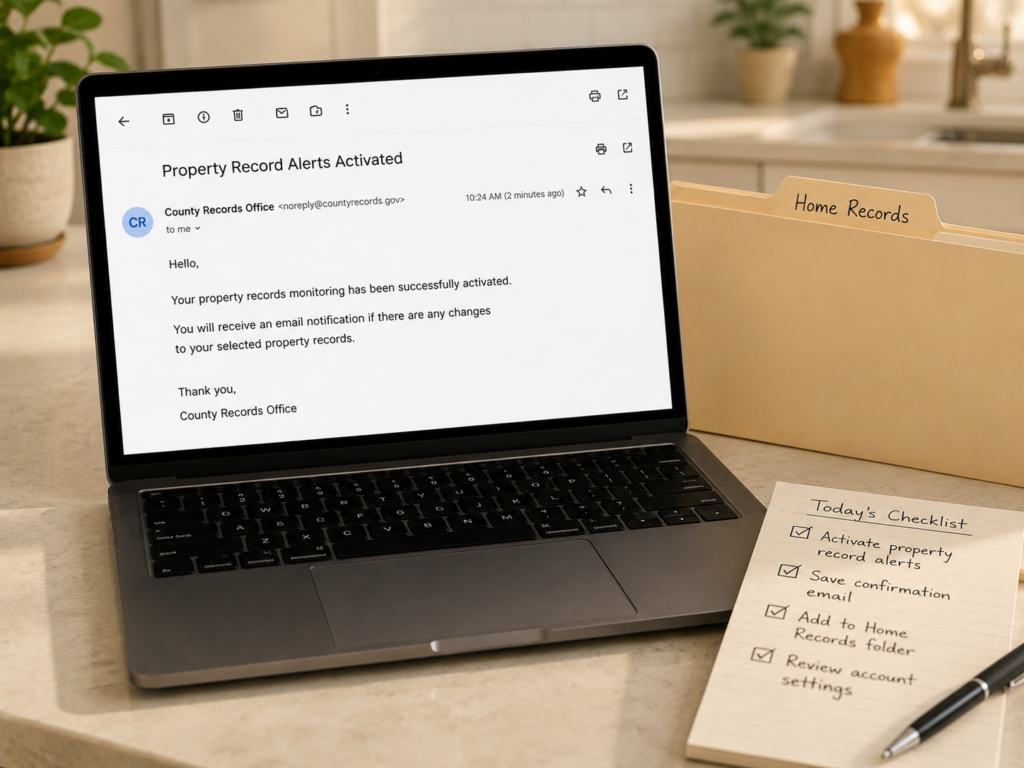
Once you find the official alert page, the setup usually asks for one or more of the following:
- Your name
- Your property address
- Parcel number or property identification number
- Email address
- Phone number
- Business name or trust name, if the property is held that way
- Borough, block, and lot number in places like New York City
If the system allows it, add reasonable name variations.
For example, if your deed uses “Robert J. Smith,” but other records might show “Robert Smith” or “Bob Smith,” you may want to register more than one version if the system permits it. Same goes for a maiden name, trust name, or business name connected to the property.
Not every alert service works the same way. Depending on your local system, alerts may be tied to your owner name, property address, parcel number, or a combination of all three.
Read the instructions slowly. This is not the part to speed-click through while making dinner.
Pro Tip:
Save the confirmation email after you enroll. If you ever need to update your alert, add another property, or prove when you signed up, you’ll be glad you kept it.
How AHA HomeOS Can Help You Stay on Top of Property Alerts
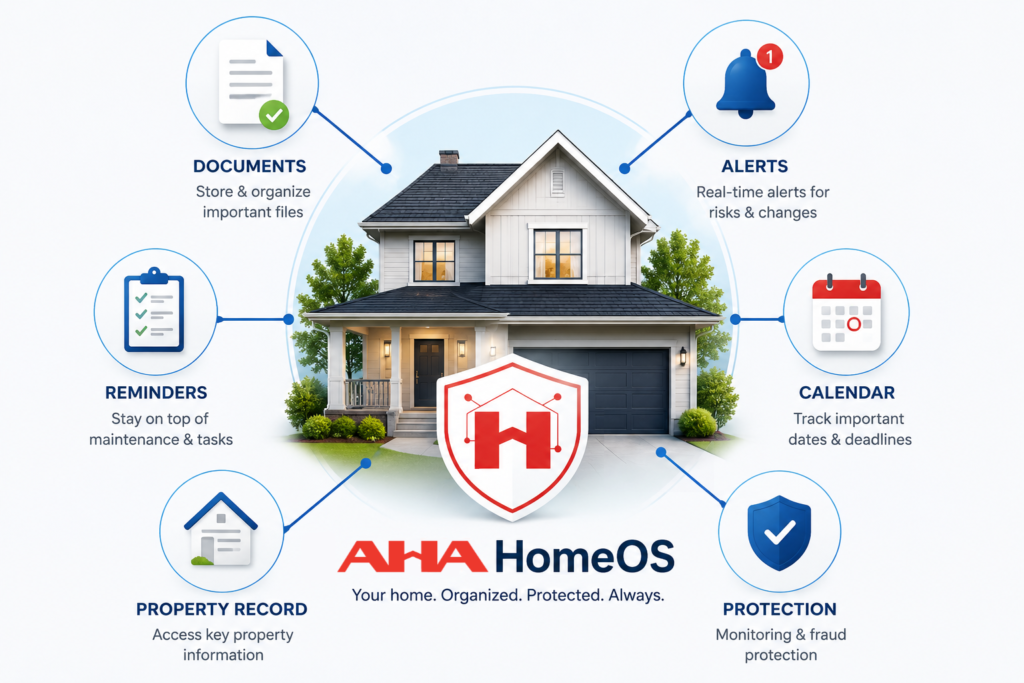
Setting up a property alert is a good first step. Remembering what you set up six months from now? That’s where a lot of homeowners lose the thread.
AHA HomeOS gives your home a memory — a place to keep the important details that are easy to forget, lose, or scatter across emails and paper folders. That can include your county recorder’s office, alert confirmation emails, parcel number, property records login details, and reminders to check your deed or property record once or twice a year.
HomeOS is designed to remember the important details of your home — documents, systems, repairs, reminders, deadlines, history, and watch items — so AHA can help you know what matters and what to do next.
For property alerts, that might mean:
- Remembering which alert service you signed up for
- Storing the official records office contact information
- Keeping your parcel number or property ID handy
- Reminding you to do a manual property record check
- Helping you track an unfamiliar filing as a watch item
- Keeping related documents together if you need follow-up
You still need to enroll through your local records office if that service is available. But HomeOS helps make sure the setup doesn’t disappear into the same mental junk drawer as old warranties, closing documents, and contractor receipts.
AHA HomeOS is meant to work quietly in the background — organizing what matters, watching what changes, and helping AHA guide you when something needs attention.
Pro Tip:
After you sign up for a county property alert, add the confirmation email and records office contact information to your HomeOS home memory. Future you will be very grateful.
What Property Alerts Do — and Don’t — Catch
Depending on your local system, a property alert may notify you about recorded documents such as deeds, mortgages, mortgage satisfactions or releases, liens, assignments, easements, notices, or other documents connected to your name or property.
But this is the part homeowners really need to understand:
A property record alert is not a lock.
A property record alert can help you notice a filing, but it cannot block one, prevent identity theft, or guarantee that every suspicious document will be caught. It also does not replace title insurance, legal advice, or your own occasional review of property records.
That doesn’t mean monitoring is useless. Far from it.
It just means you should understand what you’re getting. A good property alert is an early-warning tool. It’s not a bodyguard standing at the recorder’s desk.
Watch Out: Paid “Title Lock” Services Aren’t the Same as Prevention
You may see ads suggesting someone can steal your home with a few clicks and that you need to buy a paid service immediately.
Take a breath.
Deed fraud and property record fraud are real concerns, but homeowners don’t need to make decisions from panic. Before paying for anything, check whether your county, city, or registry already offers a free alert.
Some homeowners may still choose paid monitoring, especially if they own multiple properties or have a higher-risk situation. But don’t assume a paid service does something it doesn’t. Read the fine print.
Monitoring can help you notice a recorded document. It generally does not stop a document from being filed in the first place.
What to Do If You Get a Property Record Alert
An alert can make your stomach drop a little.
That’s normal.
But an alert is not proof of fraud. It’s a signal to look closer.
Start With the Basic Details
First, open the alert and look for the basics:
- Document type
- Recording date
- Document number
- Property address
- Names listed
- Office or agency that recorded the document
Then ask yourself: does this connect to something I recently did?
An alert may make perfect sense if you recently bought or sold property, refinanced your mortgage, paid off a mortgage, opened a home equity loan, resolved a lien, transferred property into a trust, or handled an estate or divorce-related ownership change.
If the document looks unfamiliar
Don’t click links from an email even if it appears legitimate. Go directly to the official website for your county recorder, county clerk, register of deeds, or land records office. Request a copy of the recorded document.
When you review it, check:
- Is your name spelled correctly?
- Is the property address correct?
- Do you recognize the other party?
- Do you recognize the signature?
- Does the date make sense?
- Is there a notary listed?
- Is it tied to a real transaction you approved?
If something still feels wrong, contact the records office and ask about its process for suspected fraudulent filings. Depending on the situation, you may also need to contact a real estate attorney, your title company, your mortgage servicer, local law enforcement, or a consumer protection office.
Keep a simple record of every step: dates, names, phone numbers, emails, document numbers, and copies of anything you receive.
This is one of those moments where being organized helps you stay calm. A folder beats a frantic search through 47 browser tabs. Every time.
And if you’re using AHA HomeOS, add the alert, document copy, notes, and follow-up steps to your home memory. That way, if the issue comes up again — or if you need help understanding what happened later — the details are not scattered across your inbox, downloads folder, and memory.
Make This a Twice-a-Year Home Protection Habit
Even if you sign up for alerts, add a reminder to manually check your property record once or twice a year.
Good times to do it:
- When you review your home insurance
- When your property tax bill arrives
- At the start of the year
- After a refinance, payoff, estate change, or major legal update
- Before or after extended travel, especially if the property will be vacant
This doesn’t have to become a big project. You’re simply confirming that the recorded ownership and major filings still look the way you expect.
Think of it like checking your smoke detectors. You don’t do it because you expect a fire. You do it because a five-minute habit can save you from a much bigger mess later.
AHA HomeOS can help turn that small habit into something you don’t have to keep in your head. Add a reminder, save the official records office link, and keep your alert confirmation in your home memory. Then, when it’s time to check again, you’re not starting from scratch.
Property Record Alert Setup Checklist
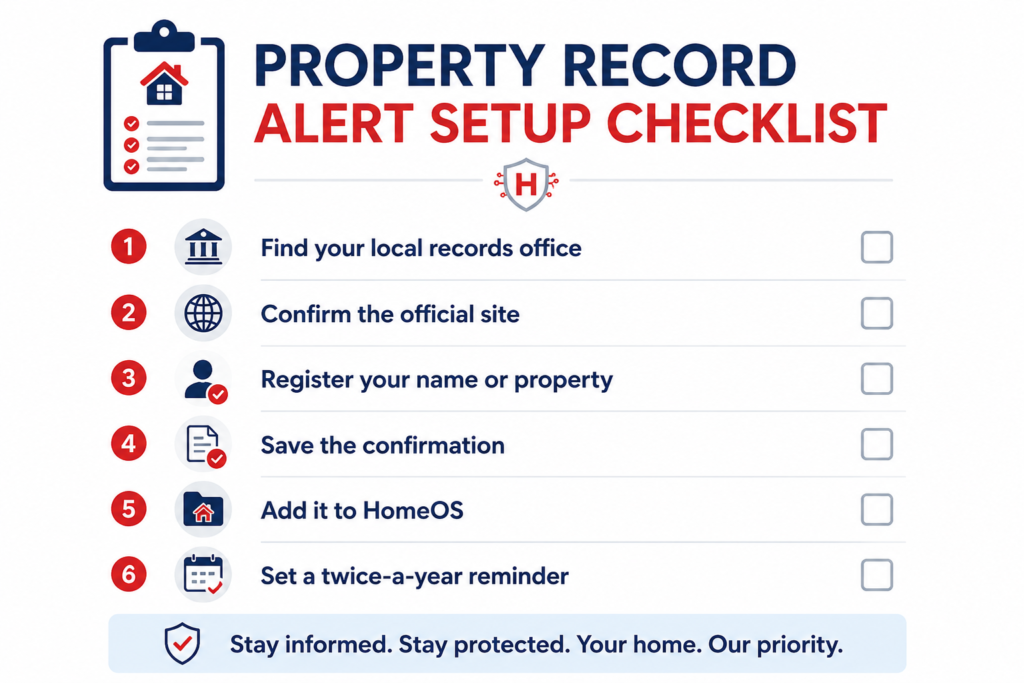
Use this quick checklist to get started:
- Find your county recorder, county clerk, register of deeds, registry of deeds, or land records office
- Confirm you’re using an official local government source
- Search for “property fraud alert,” “deed alert,” “recorded document alert,” or “consumer notification service”
- Register your property address, parcel number, owner name, or other required information
- Add name variations if allowed
- Register every property you own
- Save your confirmation email
- Add your alert details to AHA HomeOS
- Store the official records office contact information
- Add a calendar reminder to manually check your property record once or twice a year
- Follow up quickly if an alert shows a document you don’t recognize
- Keep copies of any related documents, notes, or follow-up steps in your home memory
The Bottom Line
Setting up property record alerts is not about being scared. It’s about being aware.
Your home has a paper trail — deeds, mortgages, liens, releases, and other records that help define ownership and financial interests. Most of the time, those records sit quietly in the background. But when something changes, it helps to know.
A property record alert gives you one more layer of visibility around your home. It won’t stop every problem. It won’t replace professional help when something is wrong. But it can give you a faster signal, and sometimes that earlier signal makes all the difference.
And with AHA HomeOS, that signal does not have to become one more thing you’re trying to remember on your own. HomeOS helps your home remember the important details — alerts, documents, reminders, and watch items — while AHA helps you understand what matters and what to do next.
Protect your home with AHA Property Defender, powered by AHA HomeOS. HomeOS helps your home remember the important ownership details, while AHA helps you monitor, organize, and respond with confidence.